How do you get iPhone restock alerts on your Apple Watch?
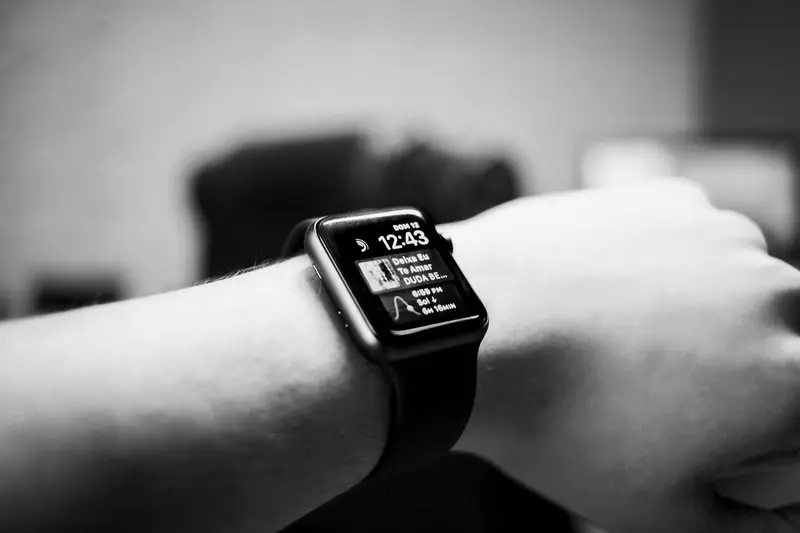
Install RestockWire on your iPhone's Home Screen, turn its notifications on, and leave mirroring on in the Watch app: alerts then reach your Apple Watch whenever the iPhone is locked. With restocks lasting 74 s at the median, a tap on the wrist saves the seconds it takes to find your phone.
What do you need first?
An iPhone on iOS 16.4 or later with RestockWire added to the Home Screen and notifications allowed.
- Open restockwire.com in Safari, tap Share, then Add to Home Screen.
- Open RestockWire from the Home Screen, sign in, and tap Turn on notifications.
- Allow the prompt. Web-app notifications then behave like any app's, on the Lock Screen and in Notification Center.
How do alerts reach the watch?
By mirroring: Apple sends each notification to one device, the watch when your iPhone is locked or asleep.
- iPhone unlocked and in use: the alert shows on the iPhone, not the watch.
- iPhone locked or asleep and the watch unlocked on your wrist: the alert goes to the watch.
- Watch locked or in Do Not Disturb: the alert goes to the iPhone instead.
Which Watch settings should you check?
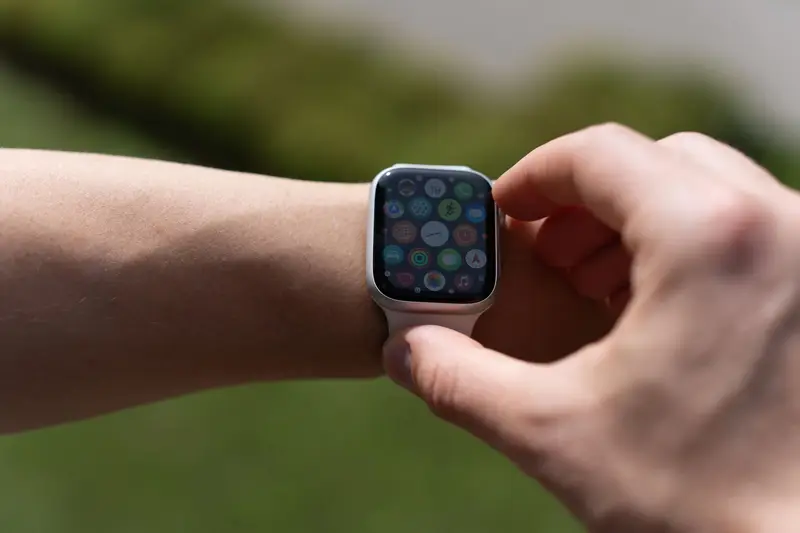
Two: mirroring for RestockWire, and whether alerts show with your wrist down.
- On iPhone, open the Watch app, tap Notifications, and look under Mirror iPhone Alerts From. If RestockWire is listed, keep it on.
- Notifications show when you raise your wrist. To see them without raising it, turn on Show Notifications on Wrist Down.
- Low Power Mode turns off the always-on display, so you may need to raise your wrist to read an alert.
What should you do when the alert taps your wrist?
Act on your iPhone within seconds: the reservation itself happens on apple.com.
- Read the store and configuration on the watch, then unlock your iPhone.
- Tap the alert on the iPhone to open the store's page and the Apple link.
- Keep Apple Pay set up on apple.com so checkout takes a couple of taps.
Questions and answers
Do RestockWire alerts work on Apple Watch?
Yes. Notifications from a Home Screen web app appear on a paired Apple Watch like any app's.
Why did the alert show on my iPhone and not my watch?
Your iPhone was unlocked, or the watch was locked or in Do Not Disturb; Apple then delivers to the iPhone.
Do I need a separate watch app?
No. The watch shows the alerts your iPhone receives; there is nothing to install on the watch.