Can you get iPhone restock alerts on an Android phone or Wear OS watch?
Yes. Open RestockWire in Chrome on Android, sign in and allow notifications when Chrome asks; alerts then arrive like any app's and can be bridged to a paired watch. Listings last 74 s at the median, so keep notifications loud.
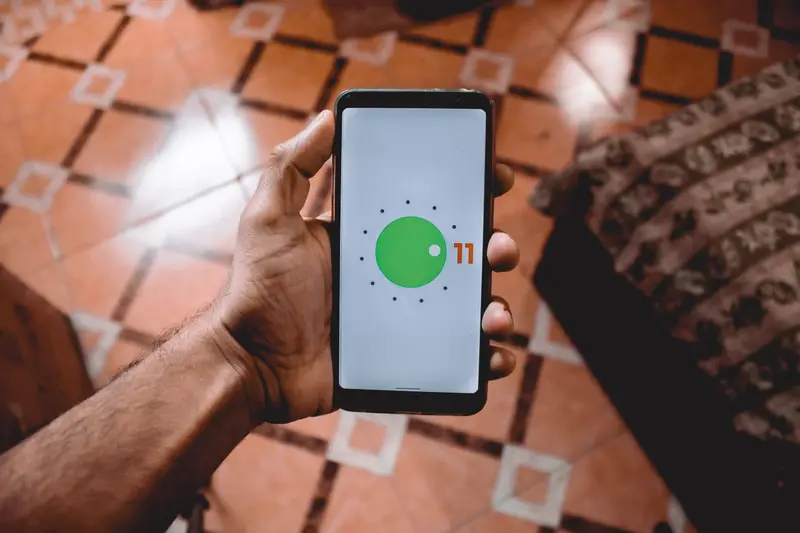
How do you turn alerts on in Chrome?
Sign in at restockwire.com in Chrome and tap Allow when the site asks to send notifications.
- Nothing to install: Chrome asks for permission when a site wants to notify you.
- If you tapped Block earlier, open the site settings from the address bar and allow notifications.
- Adding RestockWire to the Home Screen is optional on Android; it gives the site its own icon.
Will alerts reach a Wear OS or Galaxy watch?
Usually yes: phone notifications bridge to a paired Wear OS watch by default.
- Chrome posts RestockWire's alerts, so the watch shows them under Chrome.
- On a Galaxy Watch, open Galaxy Wearable > Watch settings > Notifications > App notifications and keep Chrome on.
- If alerts stop, check that battery saving is not restricting Chrome in the background.
What about a laptop?
Chrome, Edge and Firefox on a computer can show the same alerts while the browser runs.
- Sign in and allow notifications in the browser you keep open most.
- Each device with notifications on receives every alert.
- If no device has notifications on, RestockWire emails the alert instead.
Questions and answers
Do I need an iPhone to use RestockWire?
No. Any phone or computer with a browser that supports web notifications can receive the alerts.
Why does my watch show the alert under Chrome?
On Android, Chrome delivers website notifications, so the watch lists them under Chrome.
Can I get alerts on two phones?
Yes. Sign in and allow notifications on each; every device receives every alert.